Adding bullets to conclusions is accomplished by clicking on the Reports tab and switching the report to "Edit" mode.
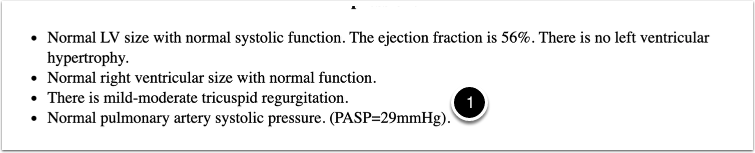
Place the cursor at (1) after the period and then click Return or Enter
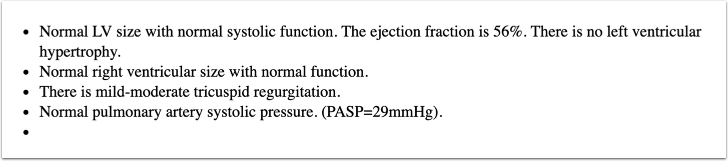
A new bullet point will appear on the next line and you can type or use voice recognition to enter text.