To use the feature, right click on any sentence in the detail section then click on Copy to conclude_ss.
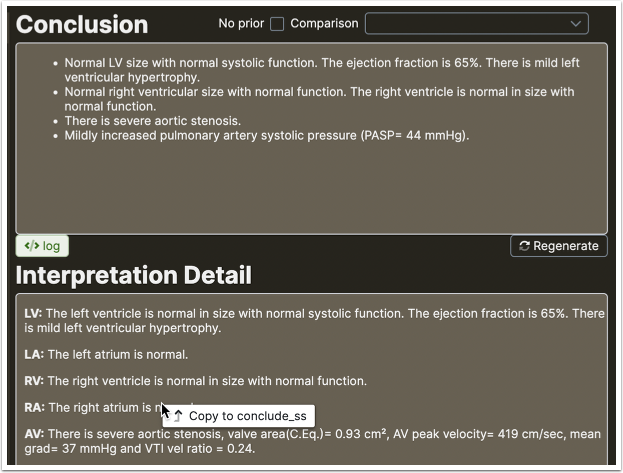
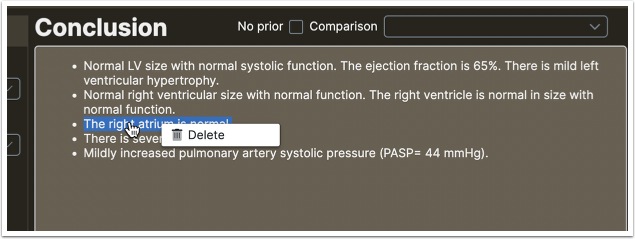
The sentence will be copied. Copied sentences have a blue highlight while all the others are yellow. Right click on the sentence and click Delete to remove it
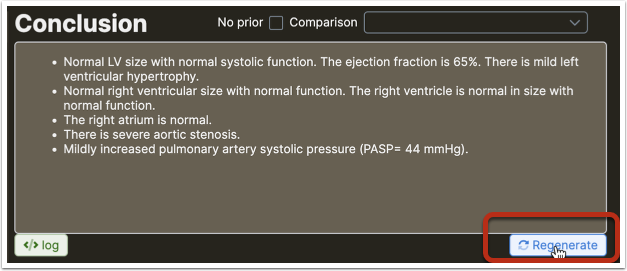
To remove all copied text from the conclusion, Control-Click on the Regenerate button (Command-Click Mac)