Security Settings
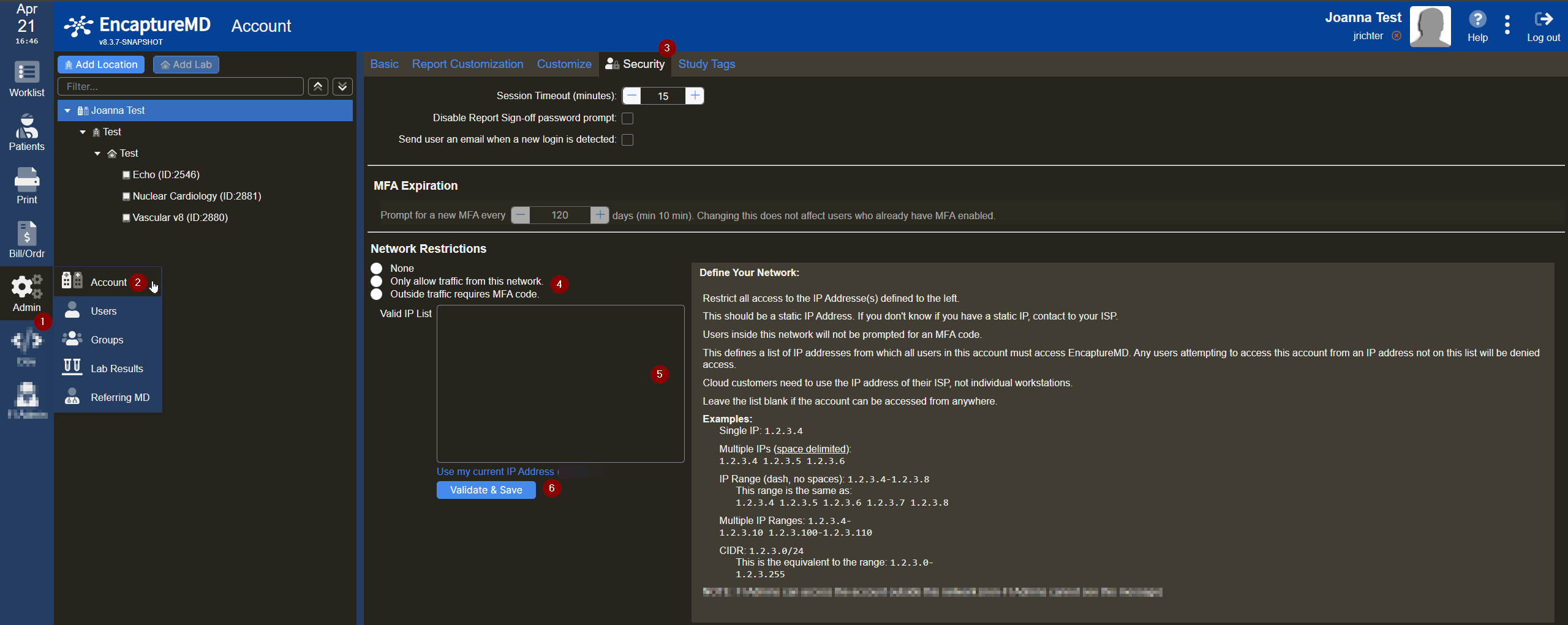
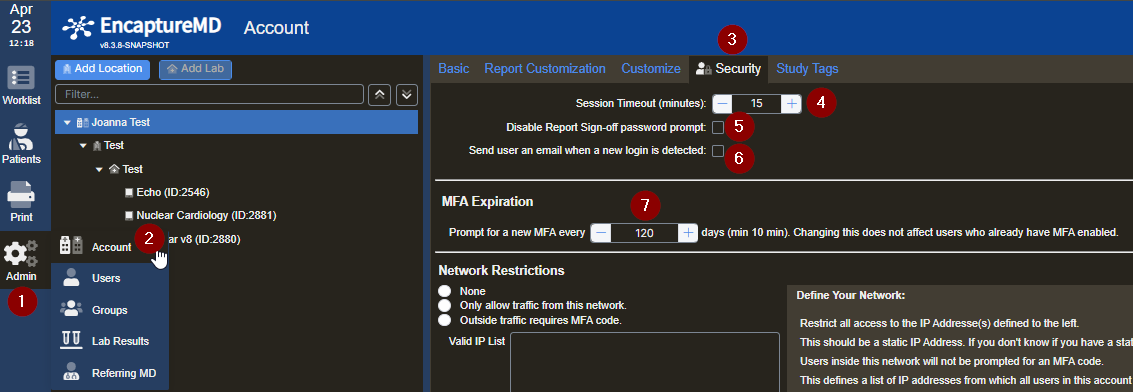
- Hover over Admin on the lefthand toolbar
- Select Account from the dropdown
- Select Security on the top toolbar
- You can configure automatic EncaptureMD logout after a period of inactivity using the + and – controls to adjust the time
- You can configure whether physicians are required to re-enter their password when signing off on a report
- You can configure whether a user will receive an email notification when a new login is detected
- You can configure how often multi-factor authentication (MFA) is required
Setting Up IP Network Restrictions