Video
Text article
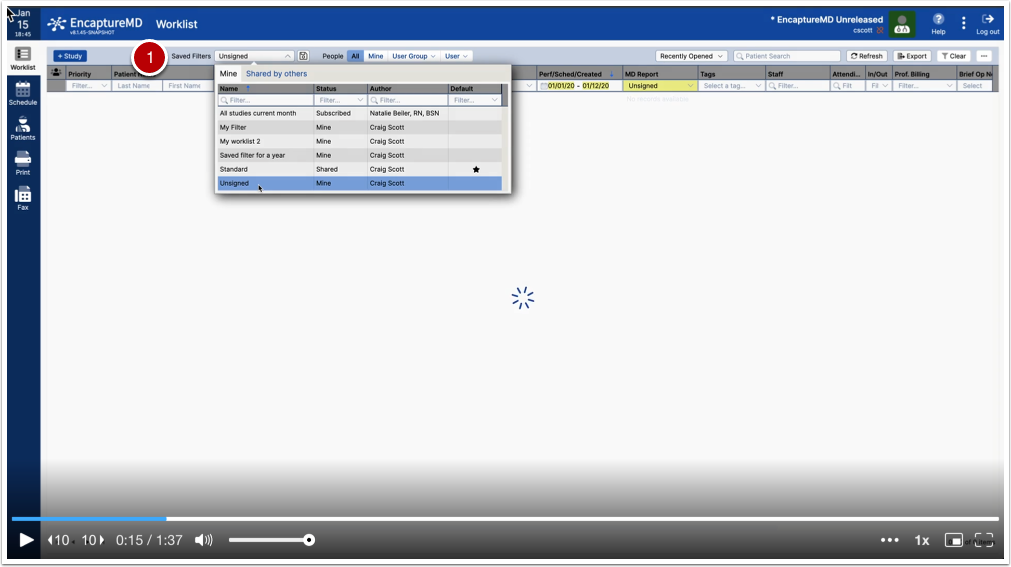
- By default the saved filter is inactive, but if I choose an already created saved filter...
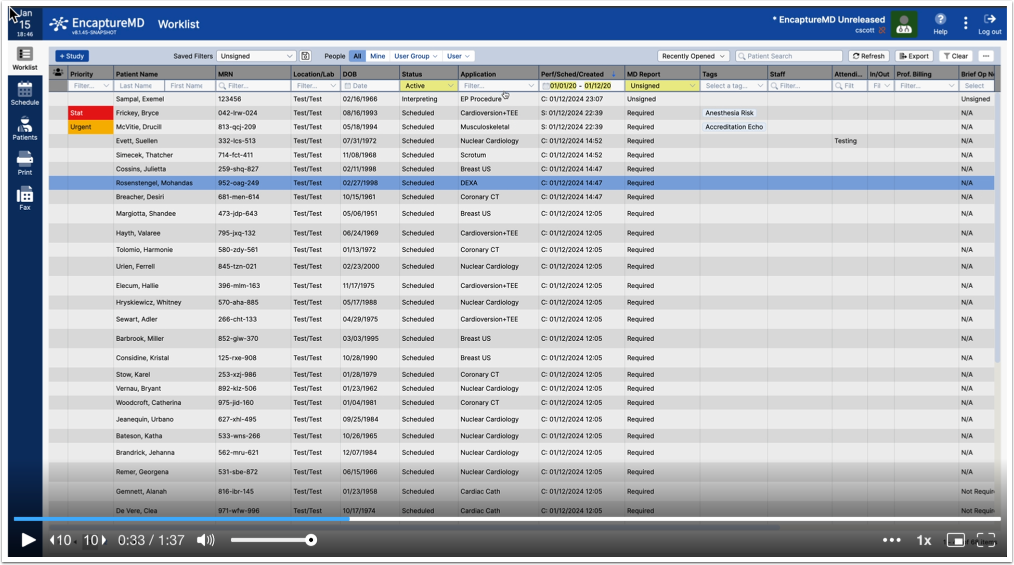
...it will load the work list using that filter. Filters save sorting and filtering as well as column order and whether a column is visible.
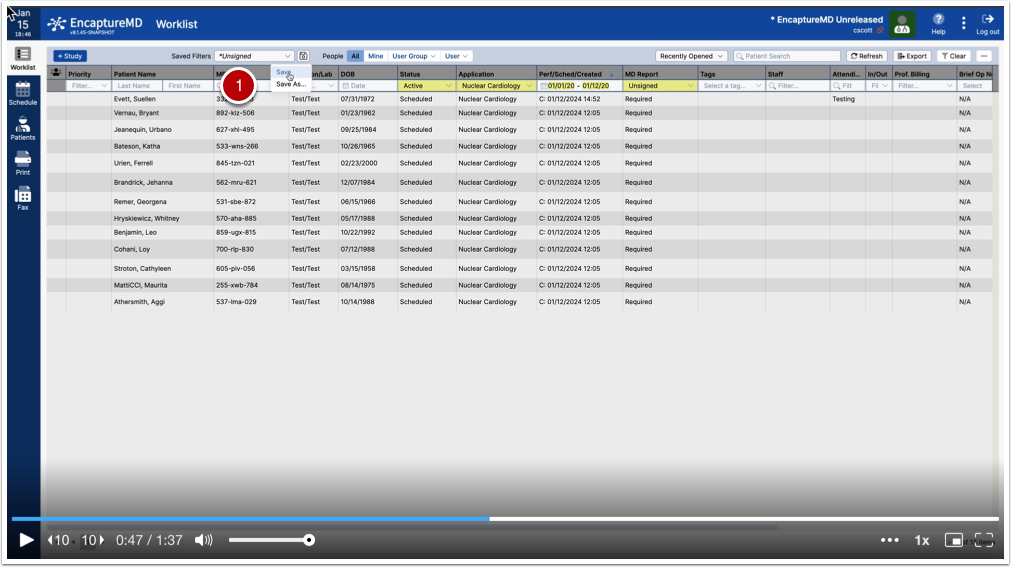
I can modify a saved filter by changing the work list (in this case, filter only to Nuclear Cardiology)
I have 2 choices (1)
- Save - saves changes to the existing filter
- Save as - creates a new filter with a different name and saves it for use
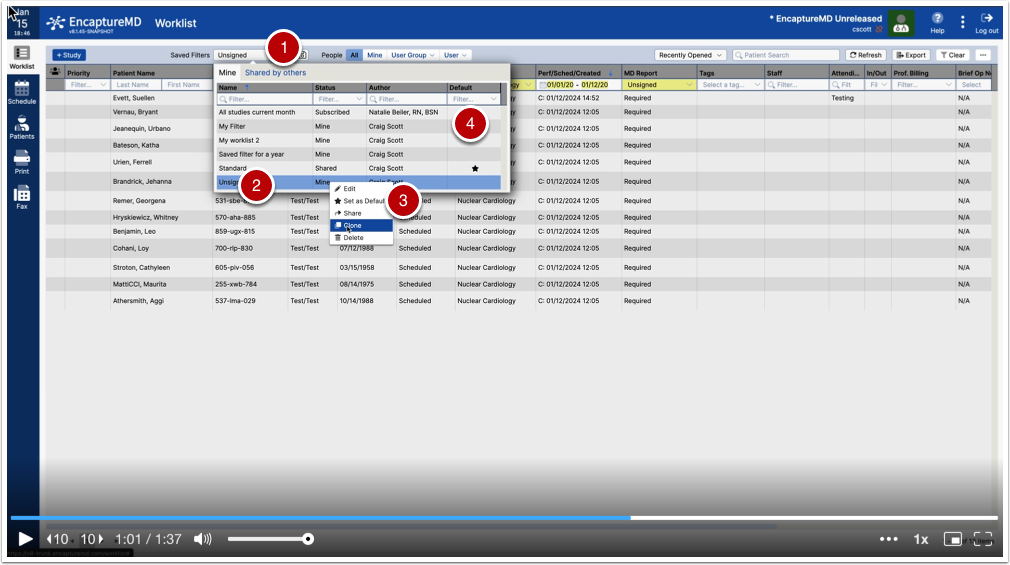
If I want to set a default, I click (1) to select a filter, then right click on the filter (2) in the table and choose Set as Default (3). The default column (4) will then show a star for the default.
If I choose Edit, I can rename the filter. I can also clone a filter, similar to Save as or share it.
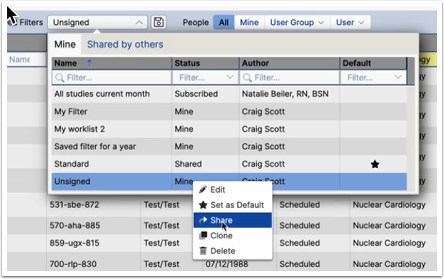
If I share a filter, others can
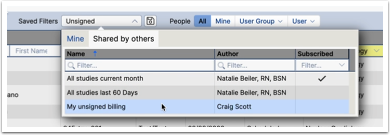
If filters have been shared by others, I now have a list of filters to pick from
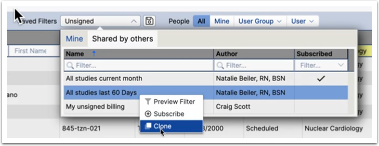
If I right click on the shared filter, I can preview its function in my work list, subscribe to that filer so that if the owner makes changes, mine will change as well OR I can clone the filter and make it mine.
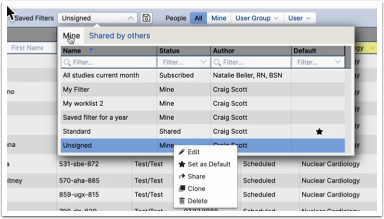
Once I have cloned a shared filter, i can modify it as needed. If I subscribed, it cannot be changed.