What you will accomplish: You will upload photos from your mobile device to studies or support tickets in EncaptureMD.
Access Mobile Upload in EncaptureMD
Open a study and go to the Attachments tab.
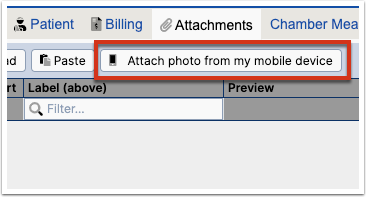
Or, create a support ticket from the help menu and use the mobile upload option.
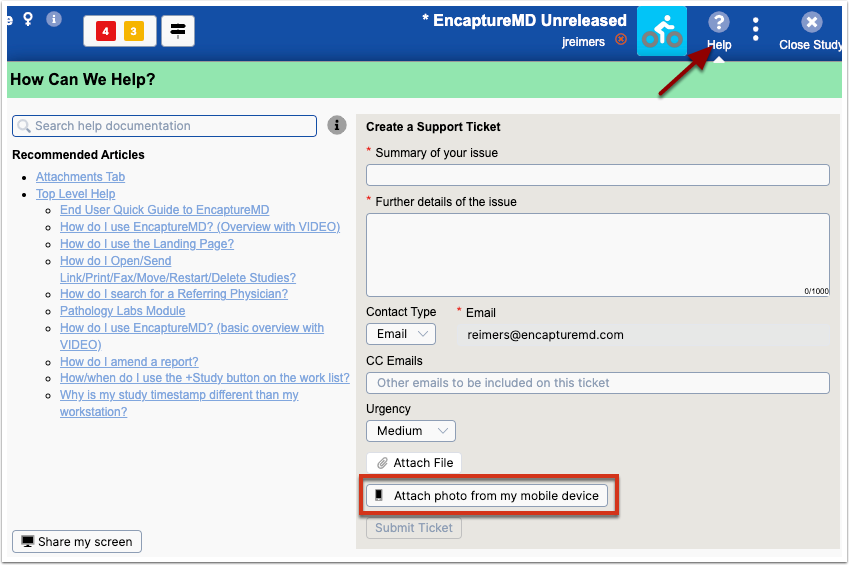
Upload Photos from Mobile Device
Follow option 1 or 2 above to create a QR code on your computer.
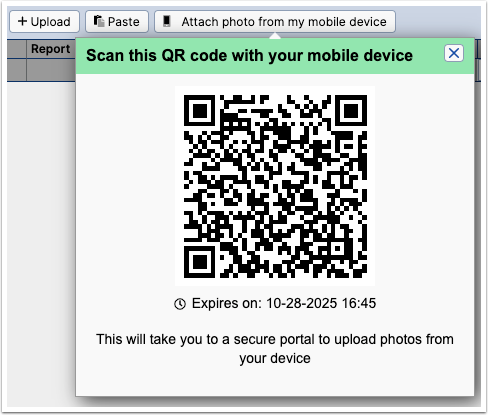
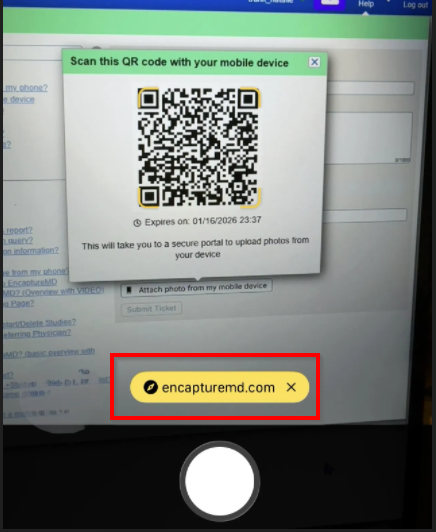
- Scan the QR code with your mobile device.
Open the secure portal link on your mobile device.
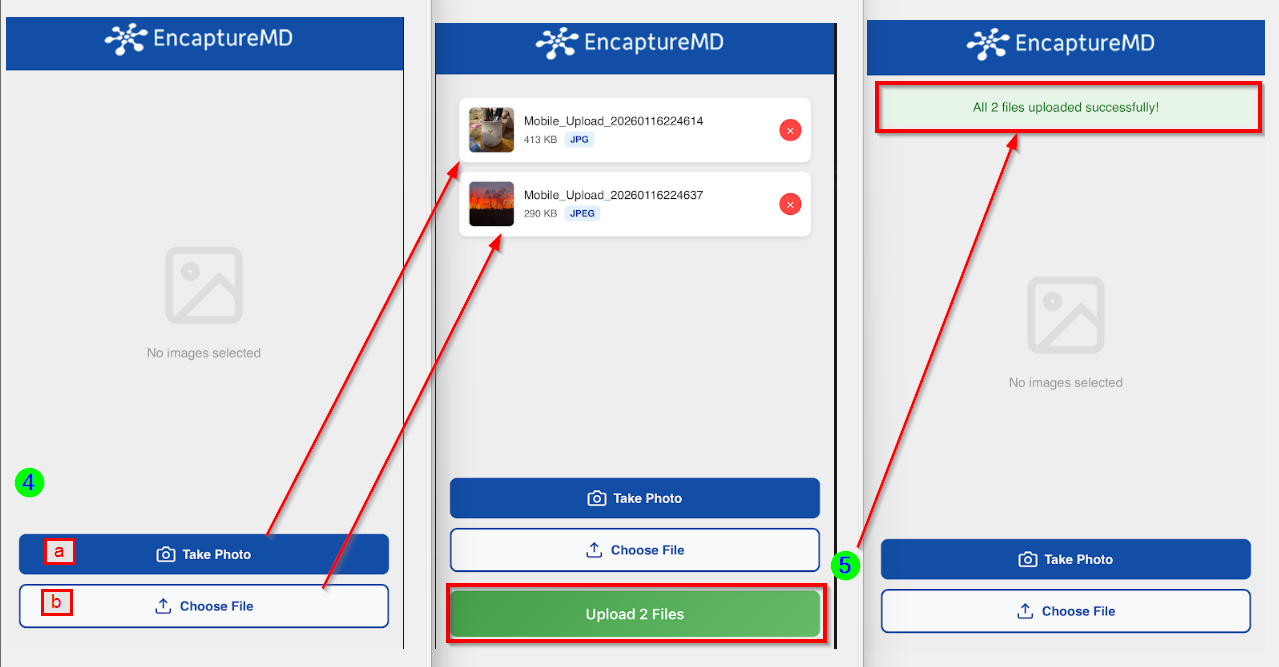
- Select photos using the secure portal on your mobile device.
- Take a new photo with your camera.
- Or, Choose a file from your photo library to upload.
- Click Upload X Files to complete the process.
- A message will display confirming successful upload of X files
Additional photos may be uploaded until the portal expires.
Security Requirements
- Connect both devices to a secure, institution-approved network.
- The secure portal protects your data during upload.
- The secure portal expires at 60 minutes when using within a study and 30 minutes when submitting a Help ticket.