What you will accomplish: Run an analytics report using the Analytics module.
Select Analytics Module
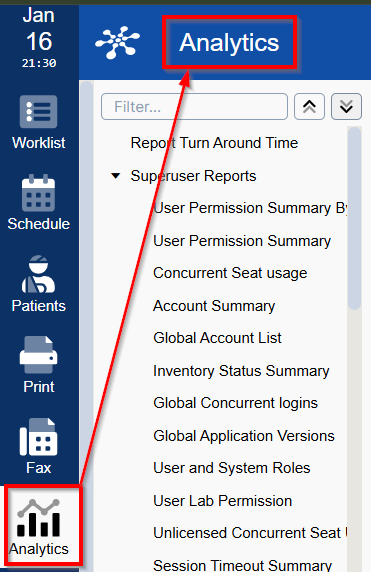
Select Analytics from the left sidebar.
Find a Report
Choose a method to find your report:
- Locate in the list:
List opens expanded; use top buttons to collapse or expand the full lists in each category.
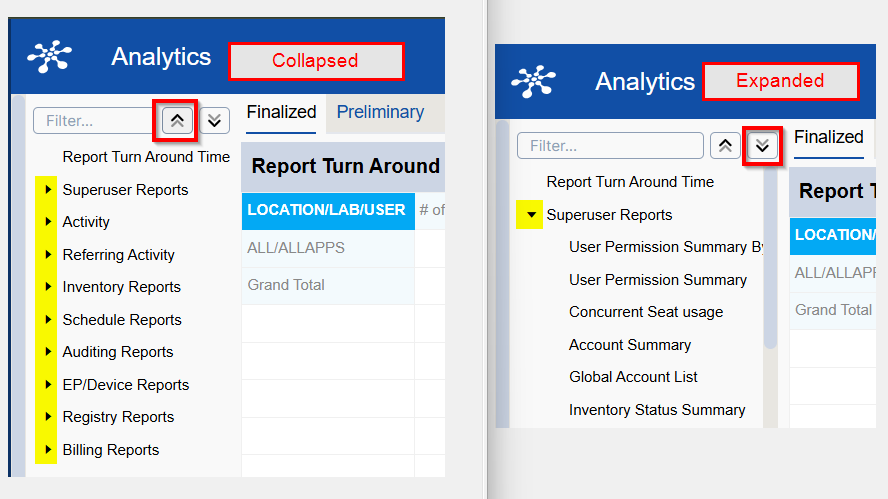
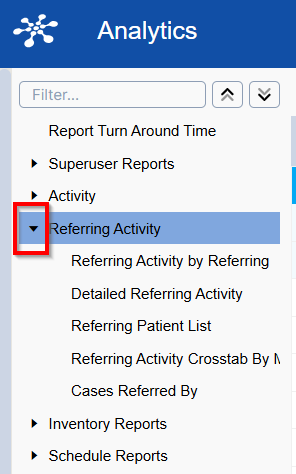
With list collapsed, expand a category using the triangle to see all reports in this category.
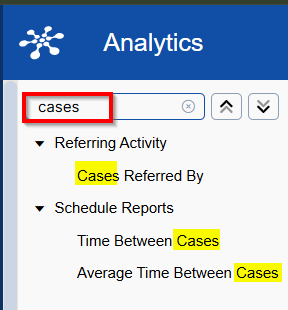
- Use the filter to search:
The List filters as text is entered.
- Locate in the list:
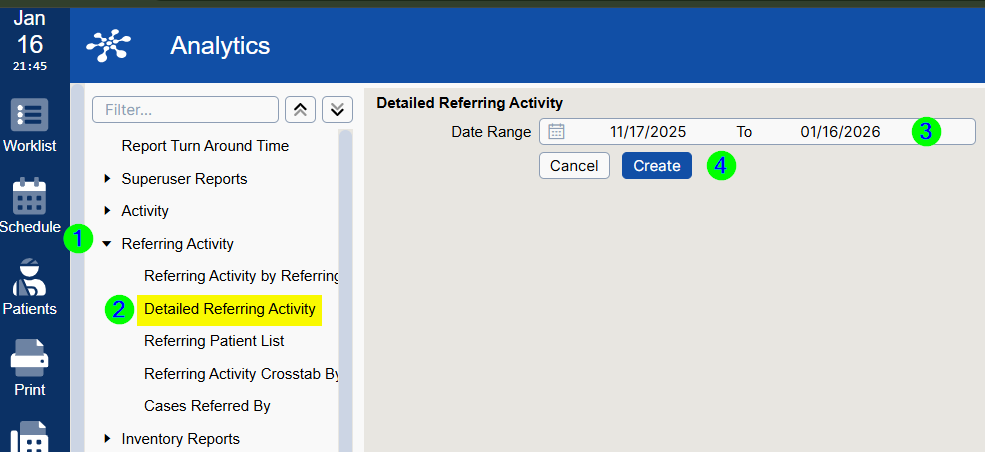
Example: Run a Detailed Referring Activity Report
- Expand Referring Activity.
- Select Detailed Referring Activity.
- Enter the desired date range.
Click Create.