Accessing Managing MFA
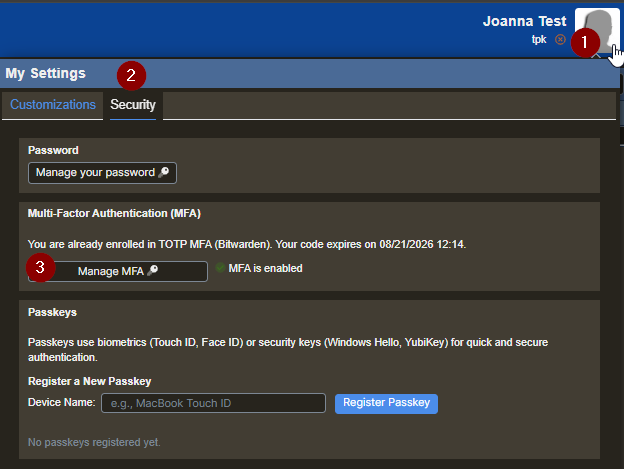
- Click on your icon.
- Click on the Security tab.
- Select Manage MFA.
MFA Tools
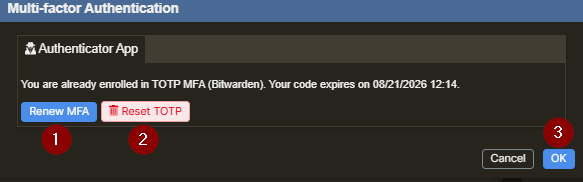
- Renew MFA allows you to Enter a code from your authenticator app to extend your MFA session.
- Reset TOTP allows you to remove your current authenticator setup and register a new one with a new QR code.
- Once finished, select OK.