Start MFA Login
- Enter your login credentials. A popup for MFA will appear.
Complete MFA Setup
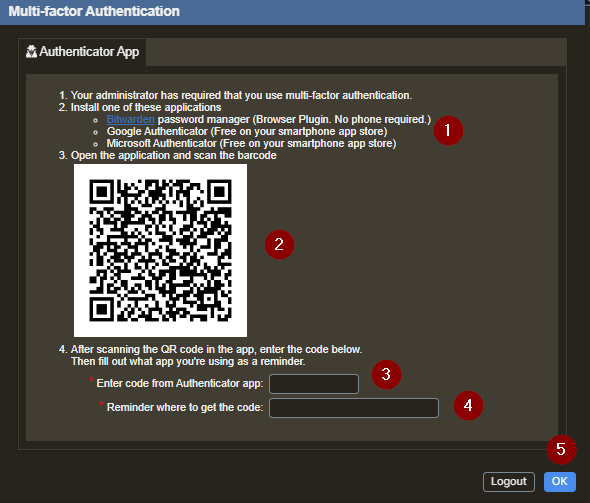
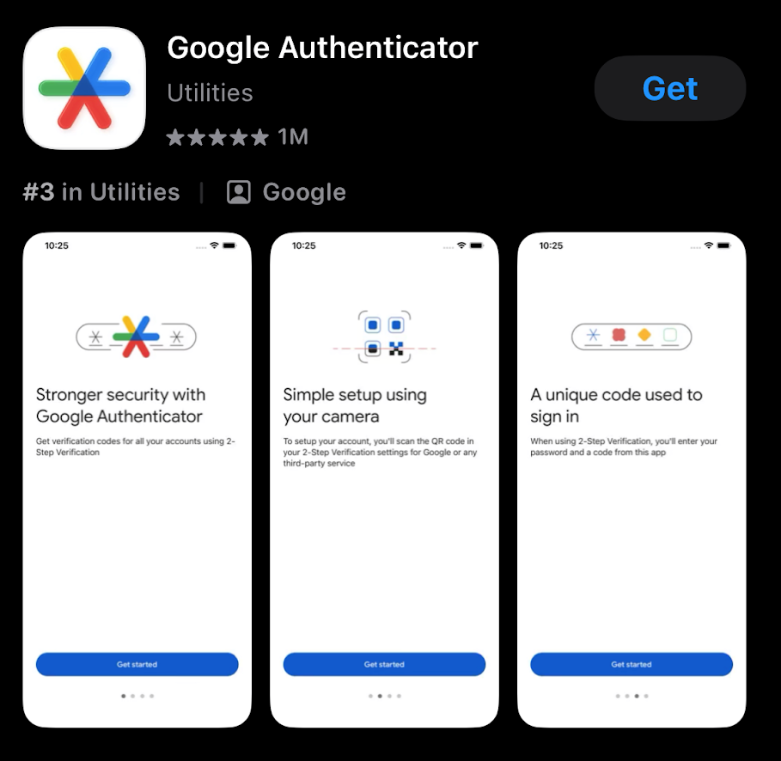
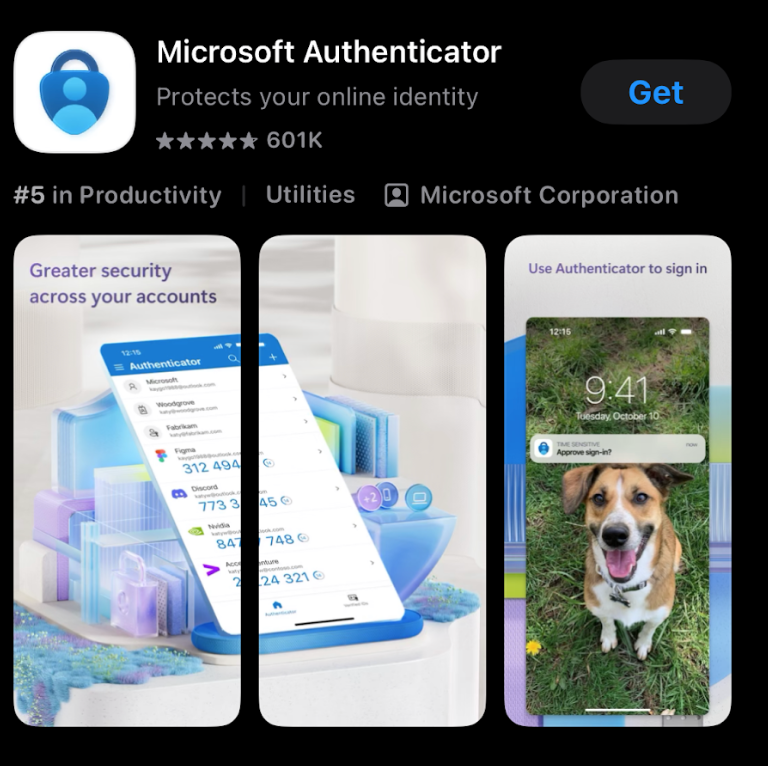
- Install an authenticator app.
- Scan the barcode on the popup using your authenticator.
- Enter the code from the authenticator app.
- Enter a reminder for where to get the code.
- Select OK.
Authenticator App Options
What to Expect After Your Initial Login
- Once your multi-factor authentication (MFA) period expires (default: 120 days), you will be prompted to enter a new 6-digit verification code after submitting your login credentials.
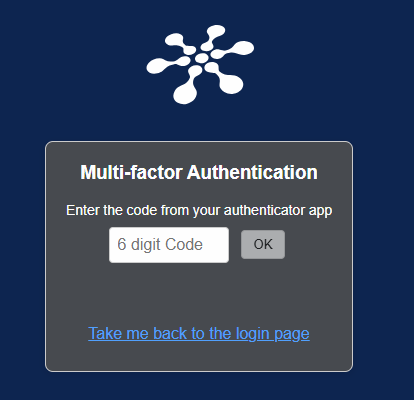
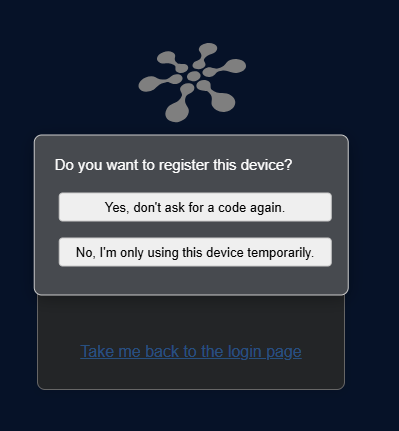
- After entering the code, you’ll be asked whether you’d like to register your device:
- Select Yes, don’t ask for a code again if you trust the device and want to skip MFA prompts on future logins.
- Select No, I’m only using this device temporarily if the device is shared or not secure.